


Photos and videos
Keep private photos out of your camera roll
Import photos and videos from Photos, then delete the originals. Photos that you take with the camera in DotSafe go into the vault only.
DotSafe is an encrypted vault for your private photos, passwords and IDs. You open it with a pattern that you draw. There is no account, and everything is encrypted on your device.


Free for 3 vaults. For iPhone, iPad and iPhone Duo.
Draw a pattern
Try it. Draw a pattern of 4 or more dots.
Keep your private photos, important documents and passwords together. One pattern opens all of them, and DotSafe encrypts each one on your device.
Import photos and videos from Photos, then delete the originals. Photos that you take with the camera in DotSafe go into the vault only.
Keep logins, ID numbers, Wi-Fi details, door codes, bank accounts and lists. Copy a password in one tap. DotSafe clears the copy after 60 seconds.
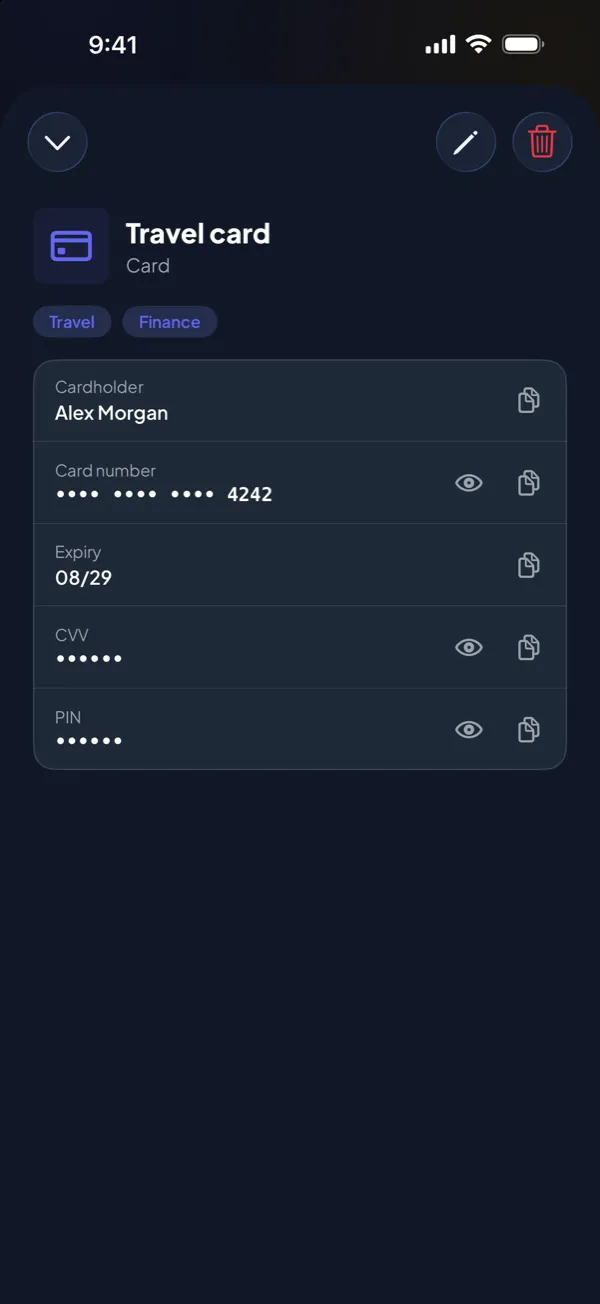
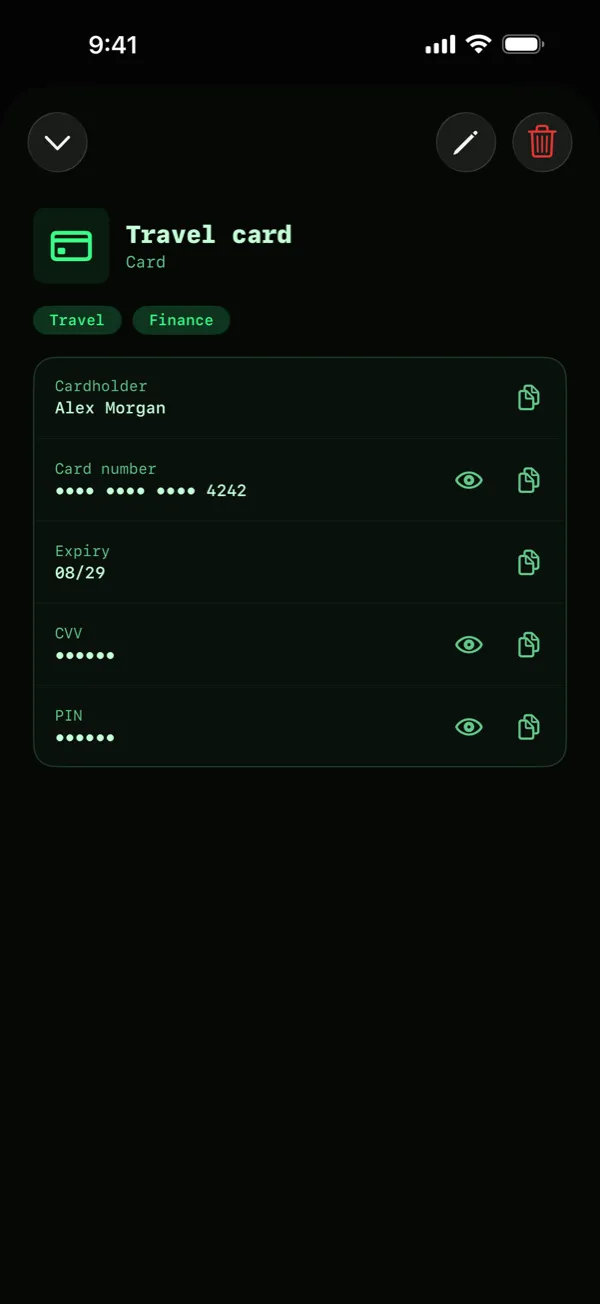
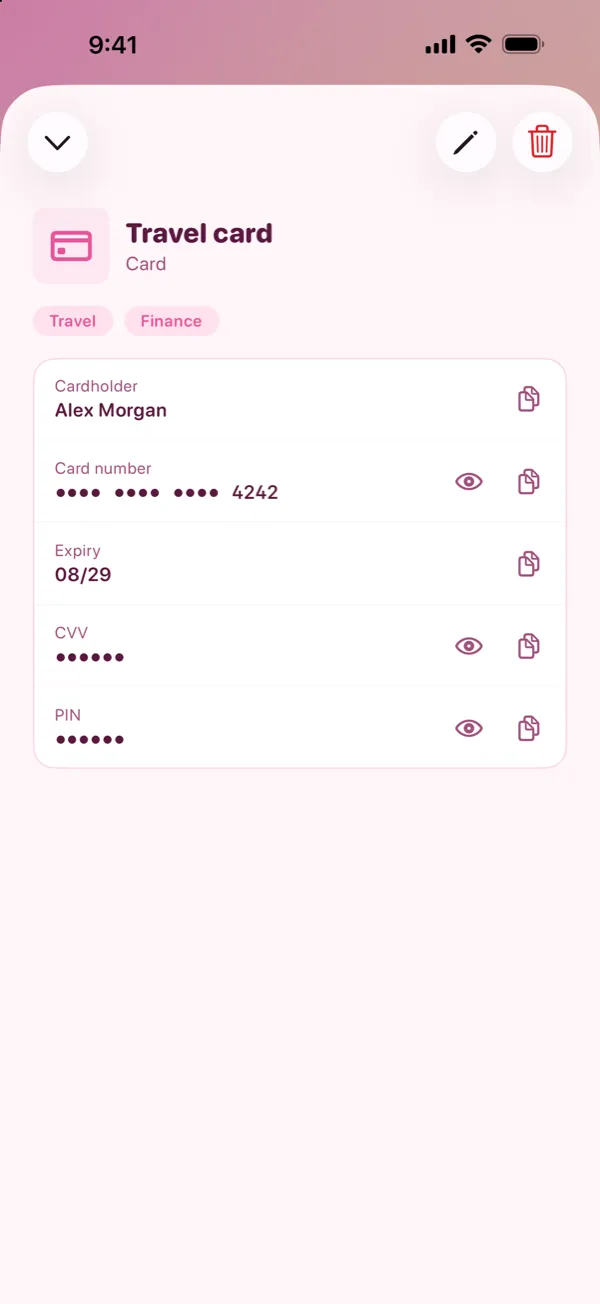
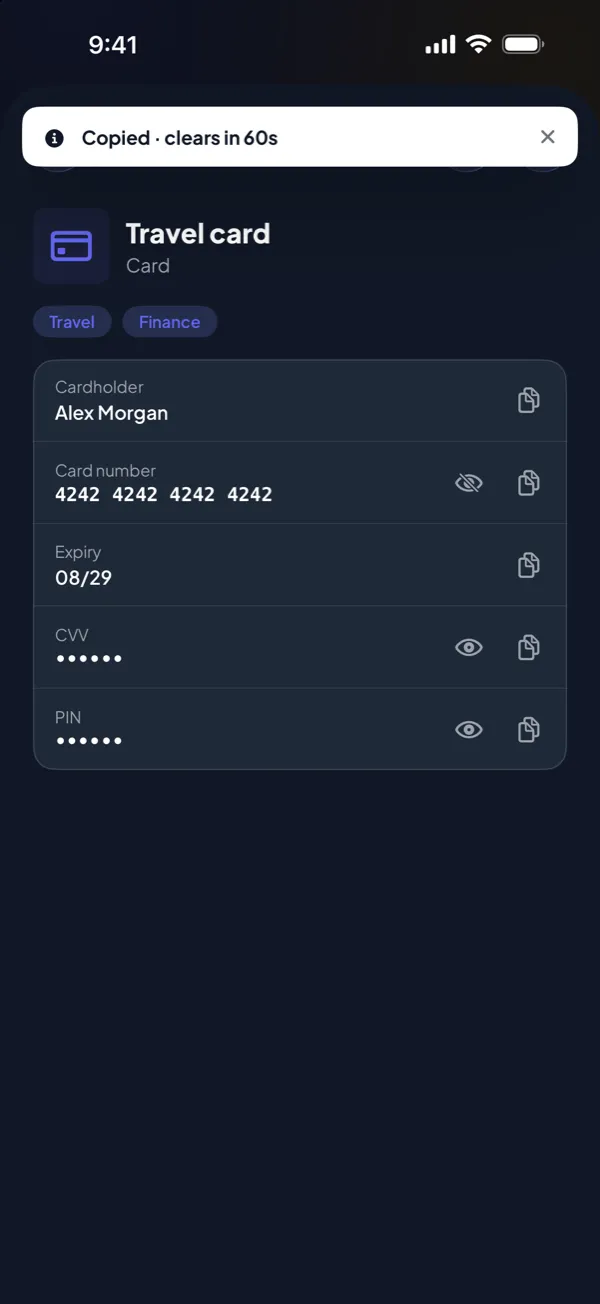
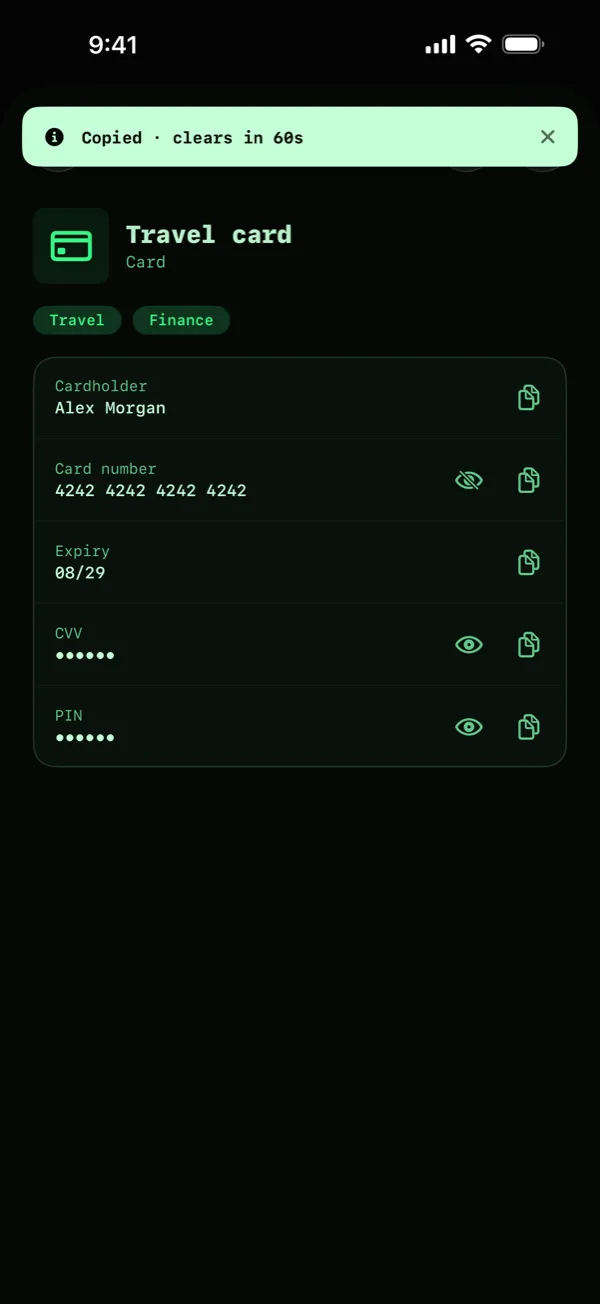
Save your passport, driver licence and bank card details. Card numbers, CVVs and PINs stay hidden until you tap to show them.
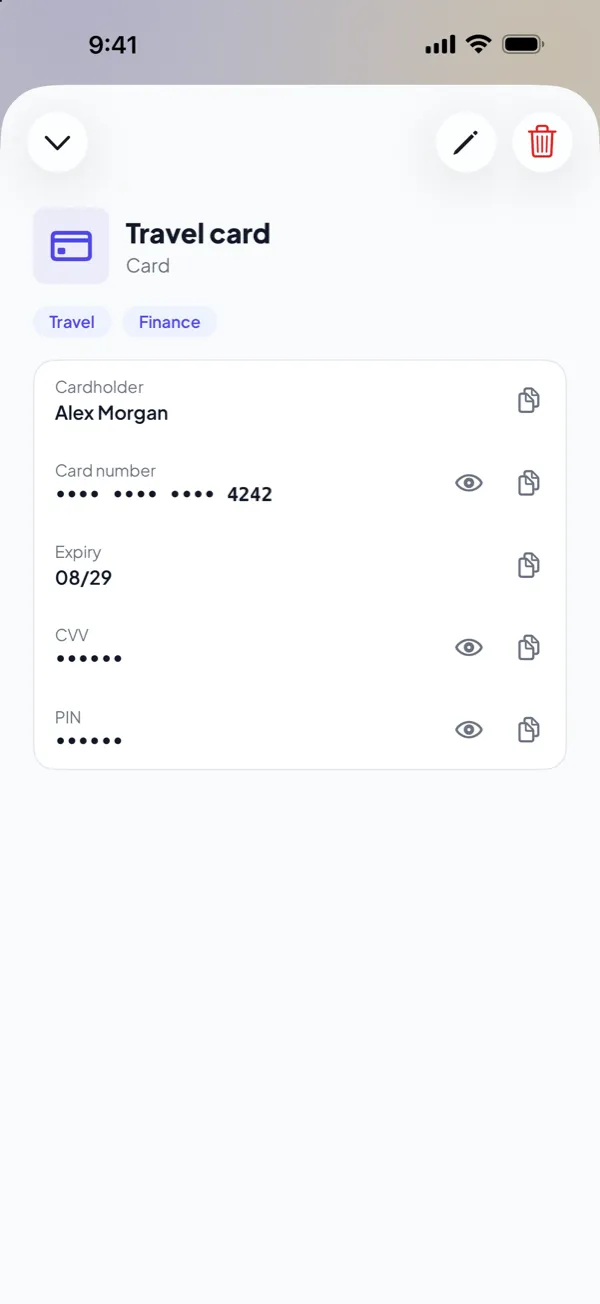
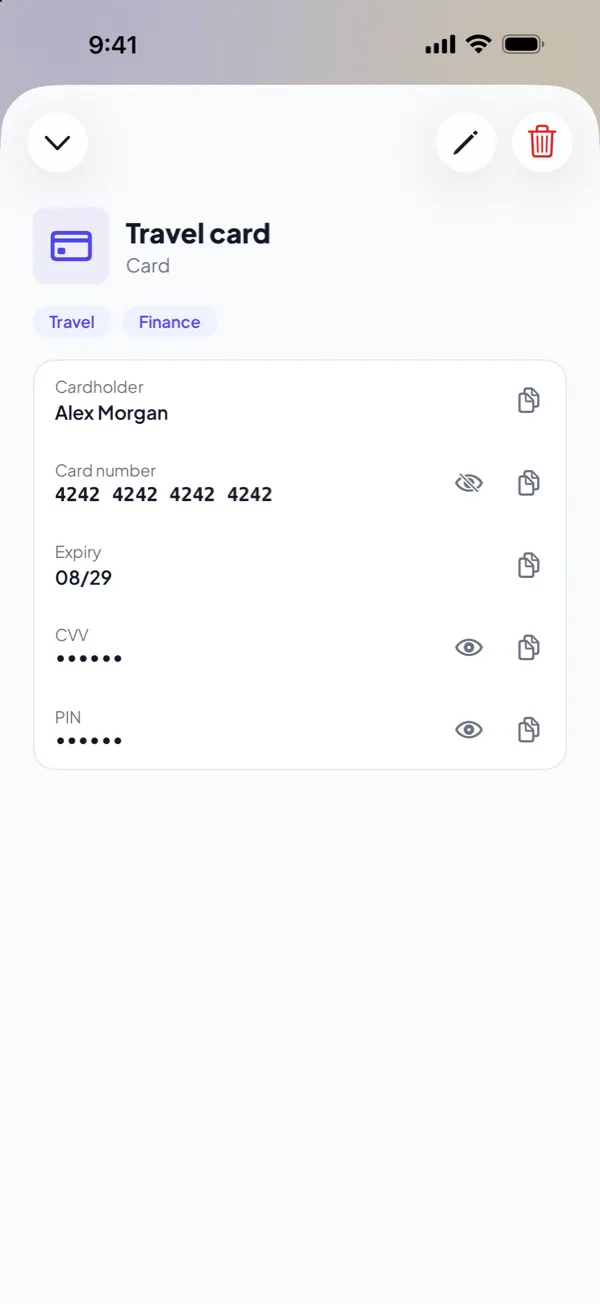
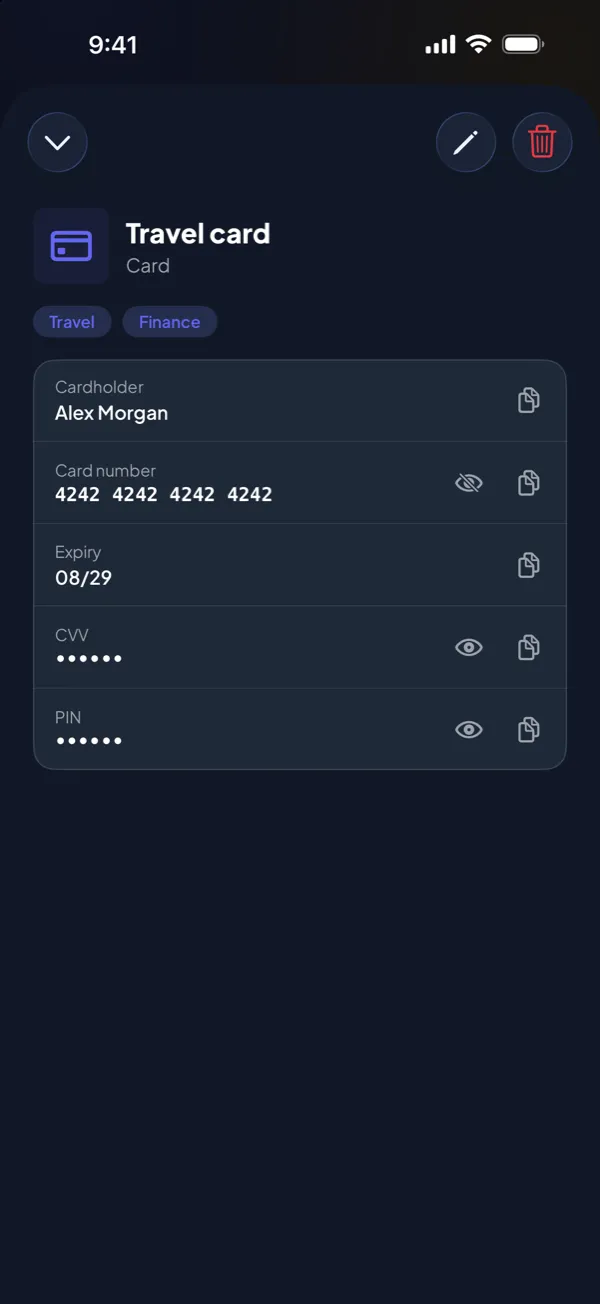
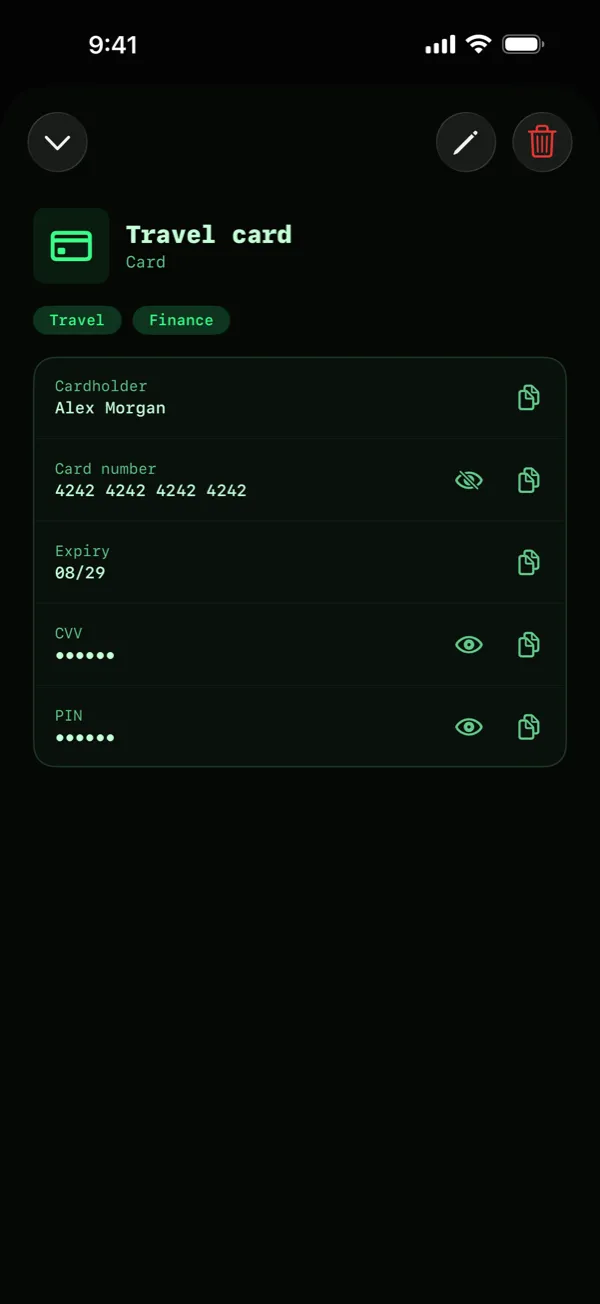
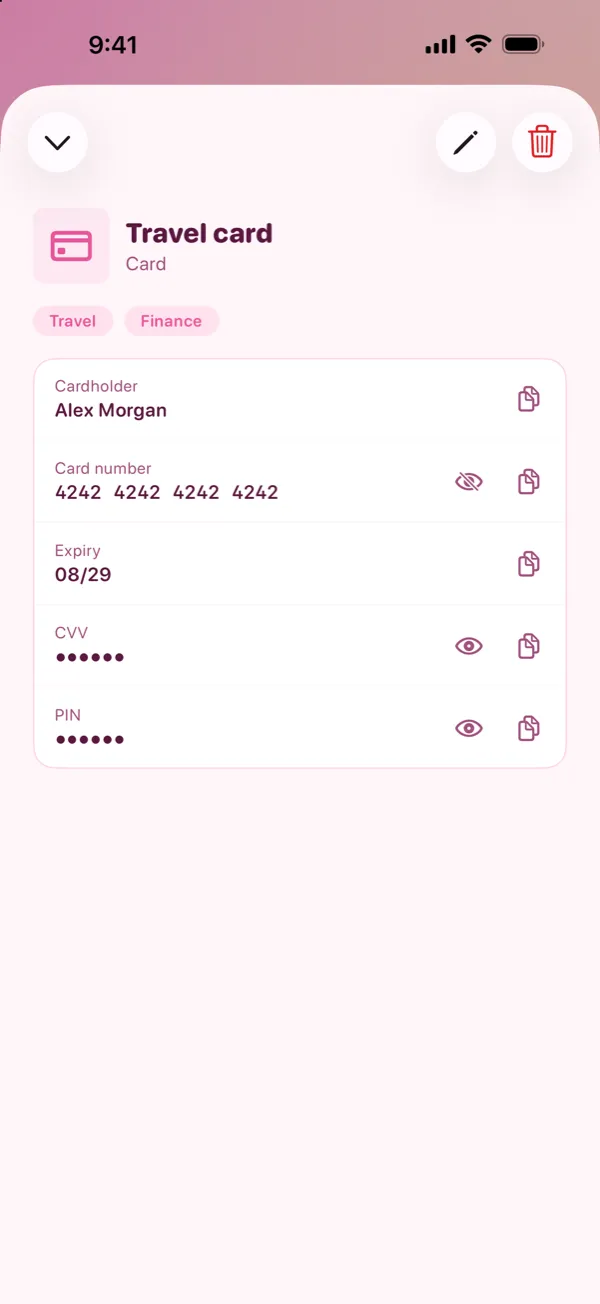
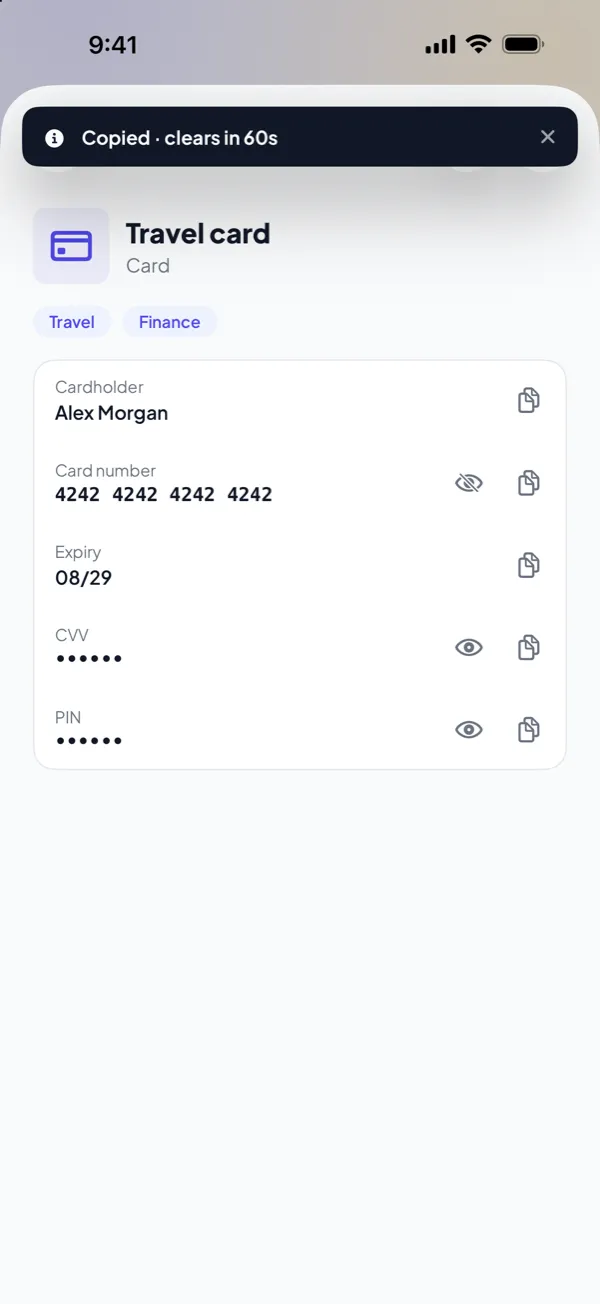

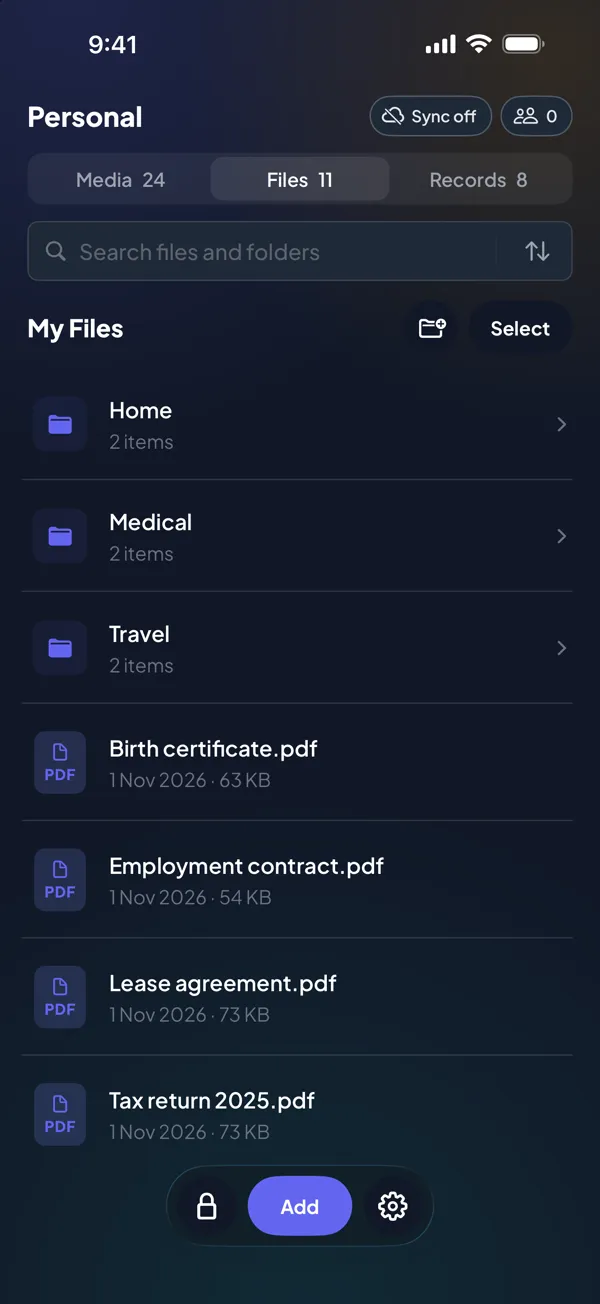
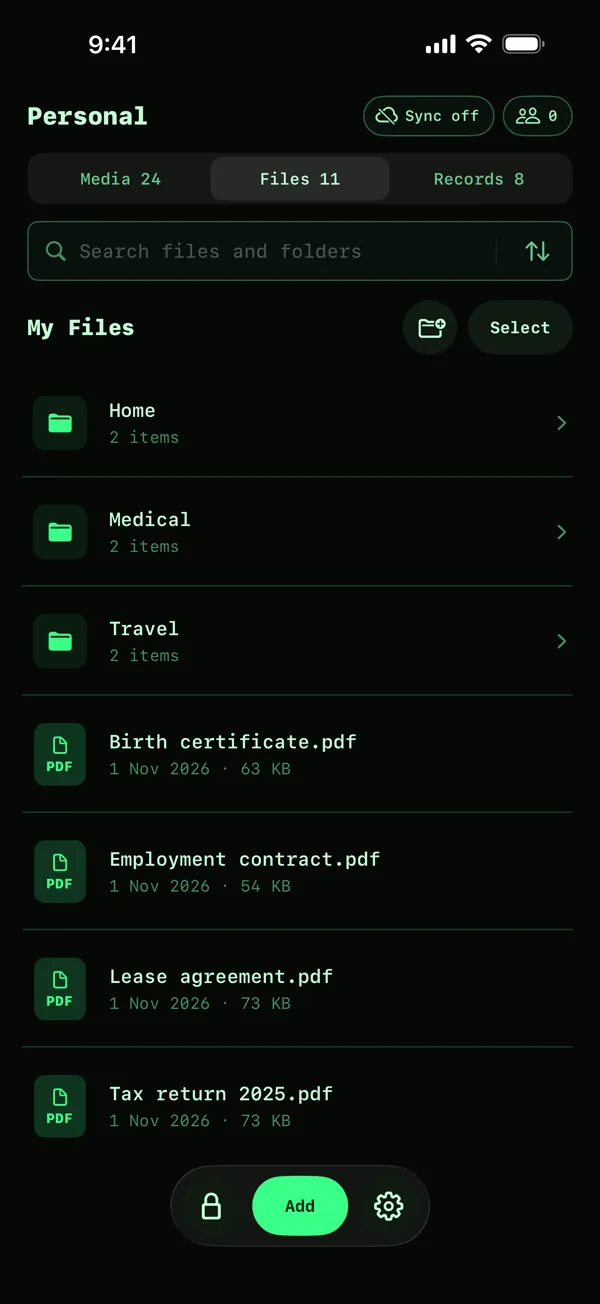
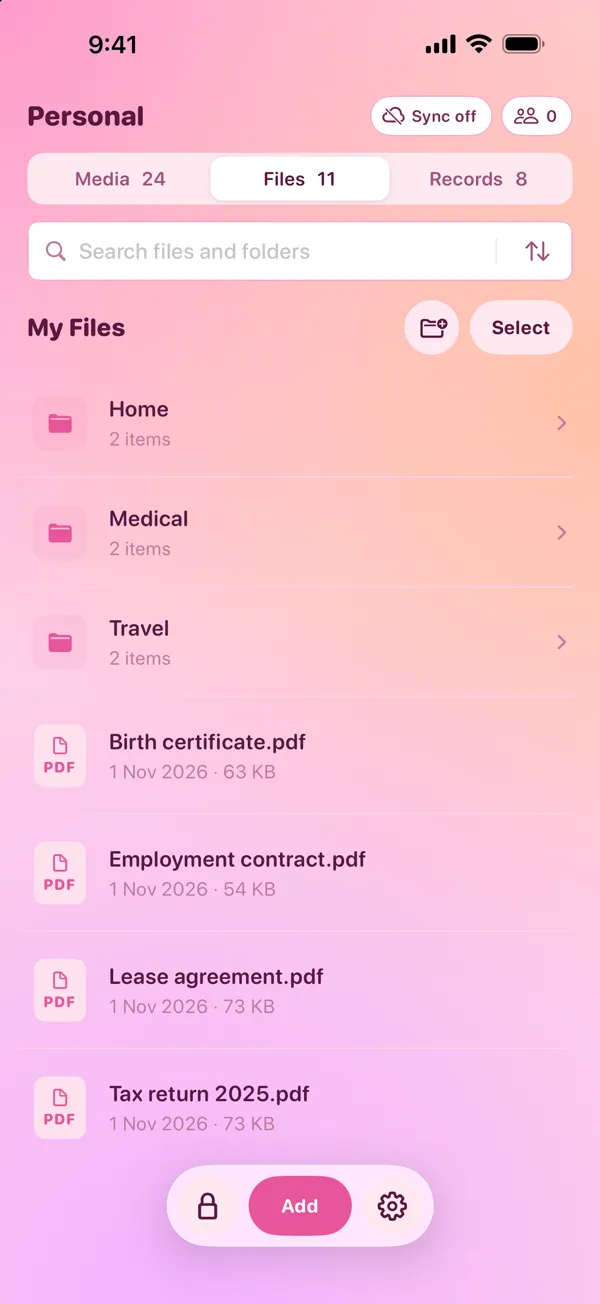
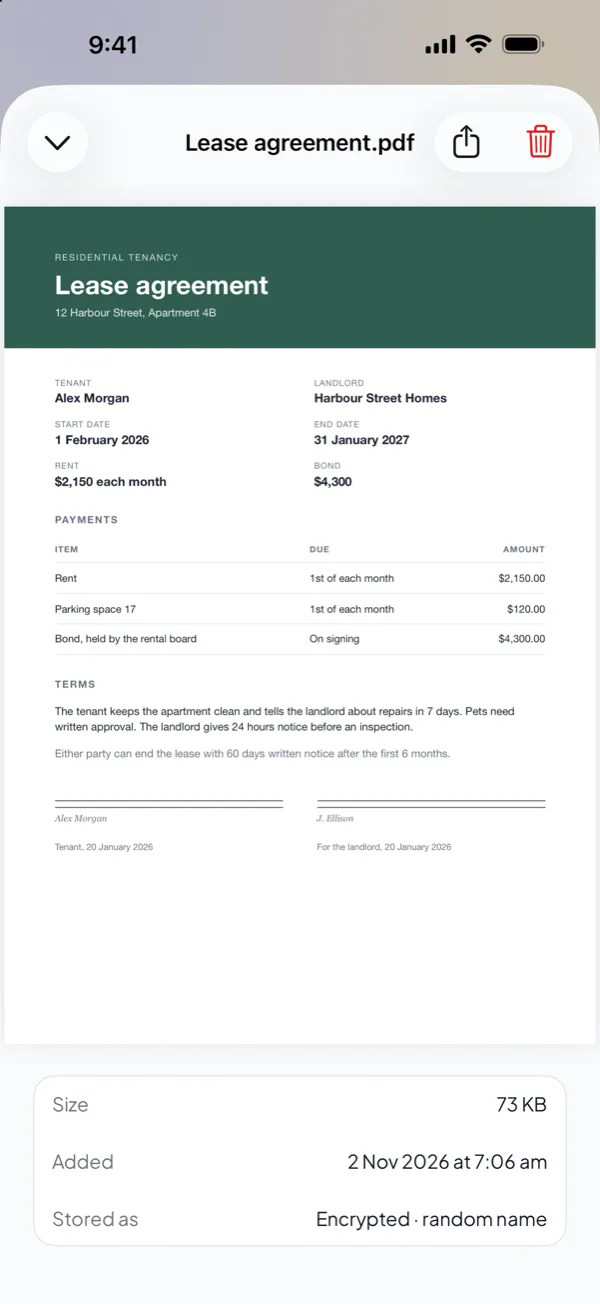
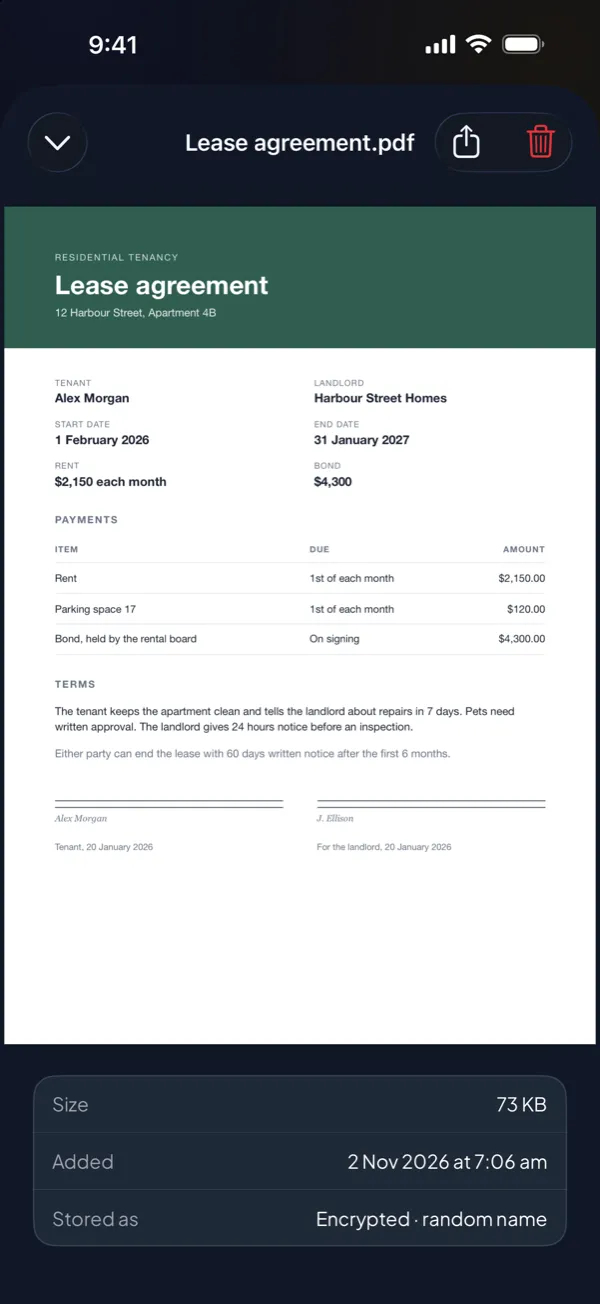
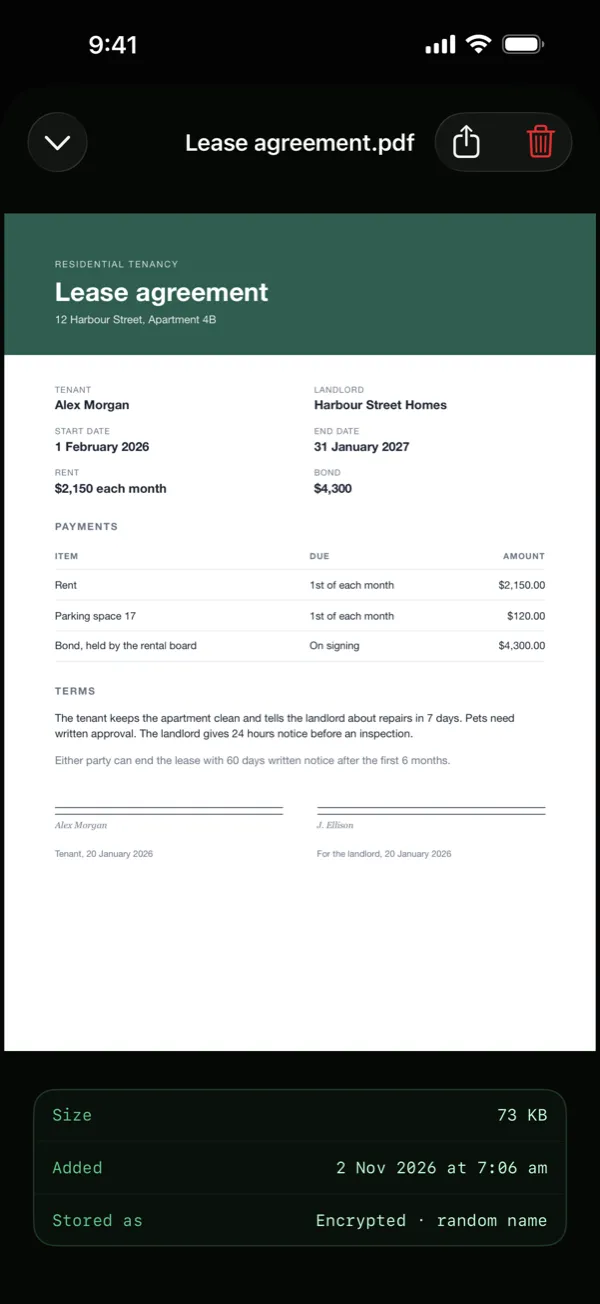
Keep the documents that you cannot lose in folders, next to your photos. A PDF opens in memory only, and DotSafe does not save a readable copy to your device.
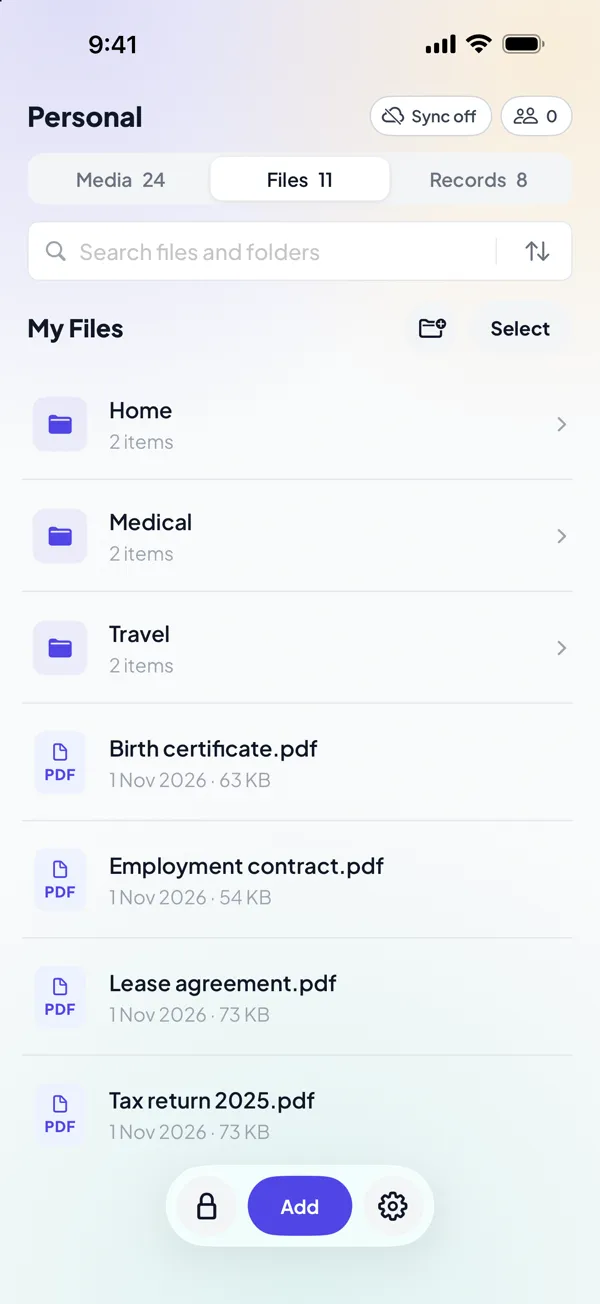

Many vault apps keep your PIN on the device, where it can be copied or reset. DotSafe turns your pattern into the encryption key, then erases the pattern from memory. There is no copy of it anywhere, not on your device and not with us.
Every pattern opens a vault. A pattern that you have not used before opens a new, empty vault. So if someone makes you open the app, nothing shows that another vault exists.
Your real photos, files and records.
Ordinary things, to open if someone makes you.
Any other pattern. Nothing says that it is wrong.
No screen lists your vaults. On the device, all vaults are files of two fixed sizes, with random names. Cover files that no key opens are mixed in with them.
Set a pattern that erases every vault on the device, then opens an empty vault as if nothing happened. Free and Pro both have it.
DotSafe encrypts each item on your device as you add it. A copy of your device's storage shows only blocks of random data, all the same size.
DotSafe does not know who you are. The app connects only to Apple, for sync and purchases, and to this website for help.
No email, no phone number and no sign-in. Your pattern is the only thing that opens a vault.
We do not run servers for DotSafe. With Pro, the encrypted copy goes to your own iCloud.
No analytics, no ads and no crash reporting tools in the app.
By default, DotSafe covers the screen when you leave the app, and hides your content from screen recordings.
Choose Light, Dark, Terminal or Pink when you first open DotSafe, and change it at any time in Settings. Select one below, and this website changes too.
Each free vault holds 100 items and 5 videos, and Free includes the duress pattern. Pro removes the limits, and adds encrypted iCloud sync and vault sharing.
The vault for that pattern cannot be opened. DotSafe does not store patterns, so there is nothing to reset. Your other vaults are not affected.
A person can hold your device up to your face. A pattern is something only you know. DotSafe uses Face ID only to confirm a few dangerous actions, for example when you destroy a vault.
No. There is no account and no email address. DotSafe has no servers. With Pro, the encrypted sync uses your own iCloud.
No. Your data is encrypted on your device with a key from your pattern. We never receive your data or your keys.
Yes. The Hidden album moves photos out of your library, but anyone who knows your device passcode can open it, and it is clear that it exists. DotSafe encrypts each item with a key from your pattern and does not show how many vaults you have. Read the comparison.
DotSafe is free for 3 vaults. No account, no email, no ads.


